
Purchase order software built for project-based work
Create purchase orders that lock price and terms up front, route them for approval, and watch the cost land against the project budget the instant a PO is approved.

A purchase order is the agreement that prevents disputes.
A PO writes down what was agreed — price, quantity, delivery, terms — before anything is delivered or invoiced. On projects with many suppliers, that's the difference between a budget you can trust and a stack of disputes.
- Price and quantity agreed in writing, before the work starts
- One reference both you and the supplier work from — fewer disputes
- A clean record to check the delivery and invoice against later

Numbered your way.
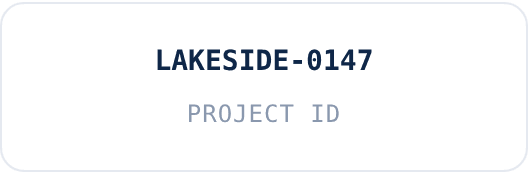
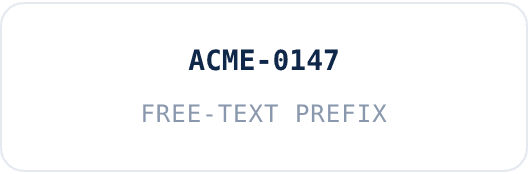
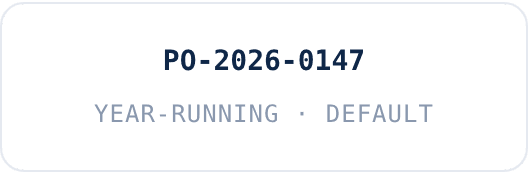
Every PO gets a unique reference — no duplicates, ever. Pick the format that fits how your team works.
From agreement to committed cost, in one flow.
Three steps, no setup project. Most teams raise their first PO the day they start.
Create POs from templates
Clear agreements with suppliers and far less re-keying. Multi-currency where you need it.Route for approval
Single or multi-step approval, routed by amount or project, sends each request to the right people.Commit on approval
The cost lands against the project budget the instant it's approved — not at invoice.
Every open PO, against every budget.
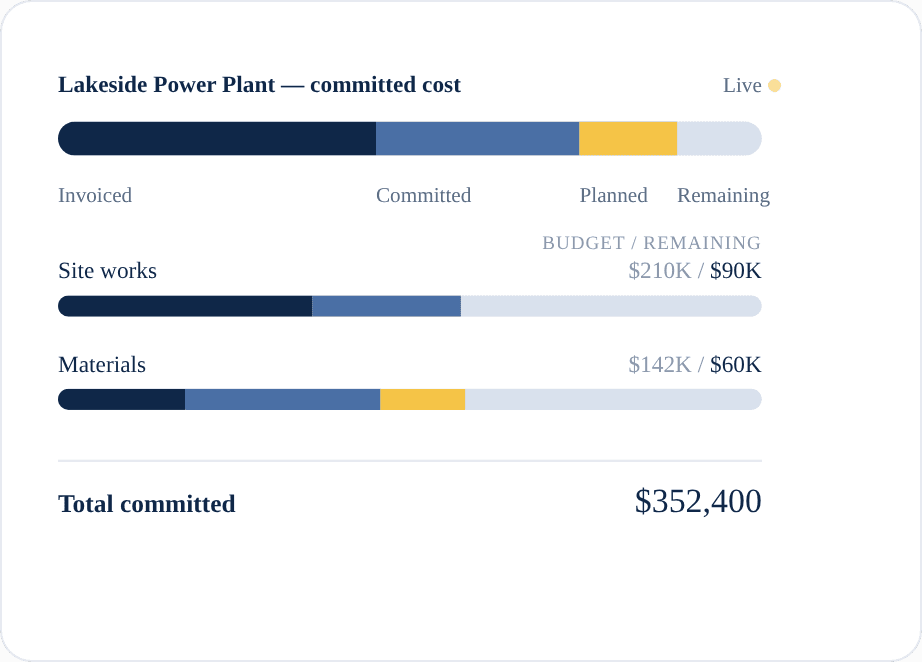
See what's committed, what's approved, and what's still waiting — by project and by category, updated as it happens.- Open POs by project, with their approval status
- Committed vs remaining budget, broken down by category
- One number for the board that matches what's actually committed
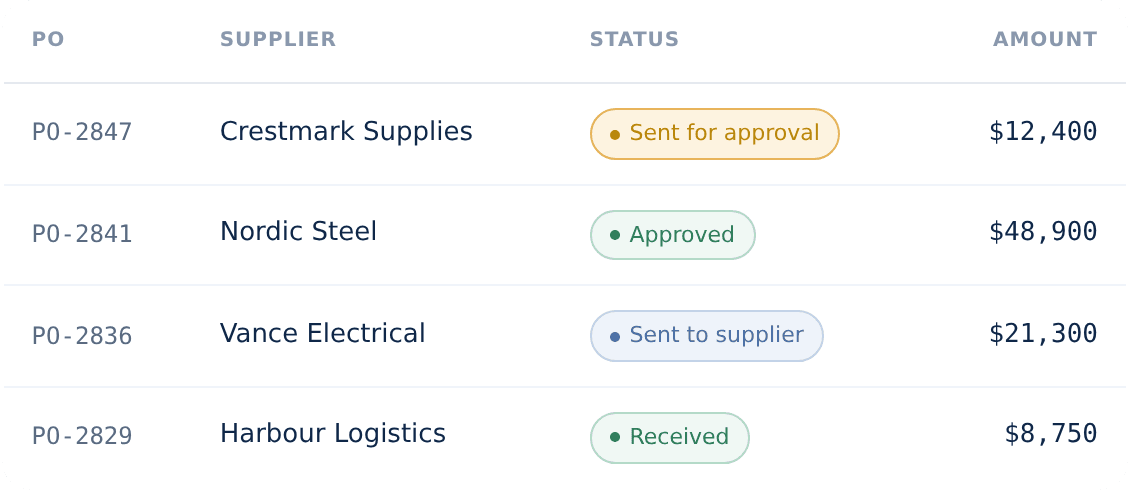
Made for the way projects actually run.
Lots of suppliers, several projects at once, and a budget that has to hold for each one. That's where real-time cost control earns its keep.

Many suppliers
Every supplier agreement captured as a PO, so nothing commits off the books.

Several projects at once
Costs land against the right project automatically — no manual splitting.

A budget per project
Committed vs remaining held separately for each, visible the moment a PO is approved.
“Delivered exactly what we required - recommend!
CostTracker ensured that we hit our budget, vs previous projects with budget overruns.”
James B.
CFO · Hospitality & Events
Works alongside your accounting system.
No big setup project, nothing to tear out. Run CostTracker on its own, or connect it to the accounting system you already use — it works alongside your setup rather than forcing you to change it.
See all our integrations
Purchase order questions, answered plainly.
A purchase order is the buyer's agreement to buy — sent before delivery, setting price and terms. An invoice is the supplier's request for payment, sent after. The PO is what you check the invoice against.
Yes. Use single or multi-step approval, routed by project and amount, so the right people sign off before anything commits.
Yes — the cost commits against the project budget the moment the PO is approved, not weeks later when the invoice lands.
Yes, we have a default template for POs where you replace your logo upon start. PO numbering is flexible, where you can set the prefix in multiple ways - depending on your requirements.
Both. CostTracker works stand-alone, or connects to Xero, QuickBooks Online, Sage, Tripletex, PowerOffice Go, or Finago.
With strict budget control turned on, an over-budget request is stopped at approval — so it's caught before it commits, not discovered later.
See costs commit the moment you approve.
14-day free trial. All features included. No credit card. Set up in an afternoon.